 Jewels ClassicMatch 3
Tetro Classic
Tetris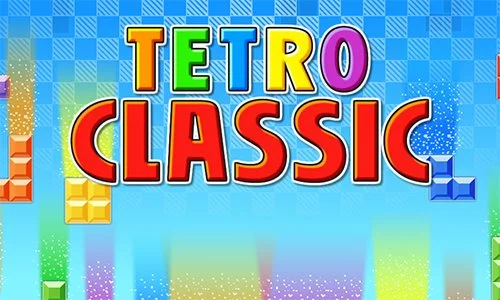
Tetro Classic
No downloads · No registrationFor a bigger view, turn your phone sideways or switch to full screen.
About Tetro Classic
Tetro Classic brings classic Tetris to your browser. Turn and place the falling blocks so they fill a complete horizontal line, and every finished line disappears. Use the arrow keys on a computer or the on-screen keys on a mobile device.
How to play Tetro Classic
Use your mouse or touch screen to make selections. Check the controls and rules on the game’s start screen before playing.
Languages and options inside each game are determined by its creator.
BEFORE THE FIRST ROUND
Look at the piece and the gap
Watch the empty spaces before the next shape. Check the selected game’s rules for rotation, falling, and clearing rows.
Keep access to gaps you still want to fill.
More in Tetris: 19 gamesYour page for Tetro Classic
- Category
- Tetris
- Access
- Browser, no installation
- Game language
- As offered by the creator
Save the title with the heart. This keeps a link to the game, not round progress.
Good to know
How can I get more room to play?
Use Full screen below the game or, after launching, the new-tab link. On a phone, check whether a landscape orientation suits the title.
Why is the game in another language?
BS and EN change the portal. The external game’s author controls its display, sound, and available languages.
What if it does not start?
Check the external-content notice first. If you already launched the game, try the new-tab link or return later. Loading help.